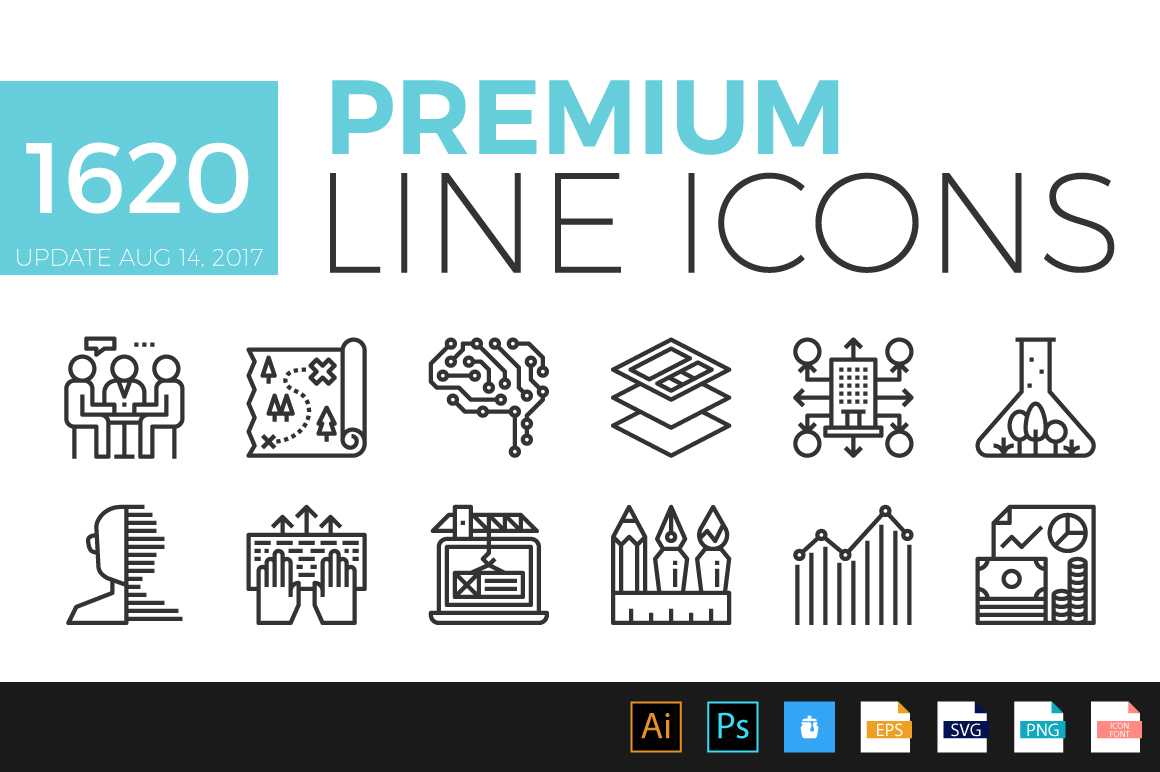
Evaluating Premium Line Icons for Design Projects
When assembling a visual toolkit for digital products, websites, or branding materials, the quality and flexibility of icon sets can significantly influence both workflow efficiency and final output. Premium Line Icons, particularly the Handcrafted Becris Premium Line Icons collection, represents a specific approach to iconography that prioritizes precision, scalability, and organizational structure. Understanding what this set offers, how it compares to alternatives, and under which circumstances it delivers the most value can help designers, developers, and product managers make informed decisions before committing to a purchase.
What Premium Line Icons Are Designed to Provide
Premium Line Icons are vector-based icon sets distinguished by their outlined, stroke-driven aesthetic. Unlike filled or flat style icons, line icons rely on consistent stroke weights, open shapes, and negative space to communicate visual concepts. The Handcrafted Becris edition extends this approach with additional attention to pixel-perfect alignment, editable strokes, and layered file organization. Each icon is built to represent not only tangible objects but also intangible concepts such as trust, growth, risk, or workflow, making the set suitable for interfaces where abstract ideas need clear visual shorthand.
A core feature of this collection is the editable stroke weight. Rather than locking users into a predefined thickness, the vector files allow adjustments to stroke width without distorting proportions. This matters when an icon must match the visual weight of a custom font, button style, or brand guideline. Similarly, pixel-perfect design means that at standard screen resolutions, edges align to pixel grids, reducing anti-aliasing artifacts and ensuring crisp rendering on displays of varying densities.
Reasons Designers and Developers Might Consider This Set
The appeal of a well-organized icon library often hinges on file format support and metadata structure. This collection includes icons delivered in .ai, .eps, .psd, .svg, and .png formats at multiple sizes—64px, 128px, 256px, and 512px—along with an iconjar file for cataloging and an icon font package with EOT, TTF, and WOFF variants. For teams working across different software environments or handing off assets between design and development, this breadth of formats reduces the need for manual conversion or re-exporting.
Another consideration is the naming and tagging system. Each icon includes keyword tags within the .svg and .png files. This makes locating specific symbols faster when browsing large sets, especially for teams that maintain shared asset libraries. Additionally, the .ai and .eps files separate each icon into its own named layer, which streamlines editing, substitution, or recoloring without disrupting neighboring elements.
The icon font component adds a further layer of utility. Icon fonts allow web developers to treat icons as text characters, enabling color changes via CSS, scaling without quality loss, and easy integration into content management systems. With EOT, TTF, and WOFF formats included, compatibility across legacy and modern browsers is reasonably covered. For teams that prefer font-based icon delivery over inline SVGs, this eliminates the need to generate custom font files from source vectors.
Benefits, Tradeoffs, and Realistic Expectations
One of the strongest benefits of line icons generally—and this set in particular—is versatility. The stroke-based style pairs well with minimal, modern interfaces without competing for visual attention. Because the icons avoid heavy fills or gradients, they remain legible at small sizes and maintain consistency when used alongside body text. The editable stroke feature reinforces this adaptability: if a design system calls for 2px strokes rather than the default 1.5px, the adjustment can be applied globally across the set rather than recreated manually.
However, line icons also carry tradeoffs. Compared to filled or duotone icon styles, line icons can feel less visually prominent on backgrounds with low contrast. In interfaces where icons must convey primary actions or serve as touch targets, additional spacing or color treatment may be necessary to ensure usability. Designers evaluating this set should consider whether their product's visual hierarchy can accommodate the lighter weight of line icons, or whether a hybrid approach—using filled icons for navigation and line icons for supplemental content—would serve better.
Another practical consideration involves the icon font delivery method. While icon fonts offer convenience, they also present known limitations: inconsistent rendering across operating systems, difficulty with precise vertical alignment, and reduced performance when many glyphs are loaded. Teams that prioritize accessibility and performance often favor inline SVGs over icon fonts. The inclusion of individual SVG files in this set mitigates that concern, but the presence of a font option does not mean it is always the best technical choice. Evaluating your team's deployment pipeline and browser support requirements will help determine whether the icon font files add value or simply increase redundancy.
The organizational structure—separate layers in .ai and .eps, keyword tagging, iconjar integration—reduces friction during asset retrieval and editing. Yet these conveniences matter most in team environments or large-scale projects. A solo freelancer working on a single-site build may not benefit from an iconjar file or layered .psd exports to the same degree as a design team managing dozens of products across multiple brands. Understanding your own workflow scale is essential to assessing whether these features justify the cost premium over simpler or free icon sets.
Situations Where Premium Line Icons Are a Strong Fit
This collection suits projects where visual consistency across a broad range of concepts is critical. The included icon sets span Learning, Taxation, Halloween, Christmas, Web Design, Rescue, Camping, Franchise Business, Online Money Transfer, Robotics, E-commerce, Soccer, Job Resume, Health Check Up, Business Situation, Restaurant, Startup, Wedding, Landscapes, and Education—among others. For a product or campaign that requires cohesive iconography across multiple themes—such as an educational platform with modules for finance, health, and business—having one unified style eliminates the disjointed look that can arise when mixing icons from disparate sources.
Teams creating design systems or component libraries will find the layered files, keyword tags, and multiple export formats particularly useful. Establishing a single source of truth for icons reduces duplication and ensures that when a stroke weight or color is updated, the change propagates consistently. Similarly, agencies that deliver branded assets to clients can benefit from the editable nature of the files, tailoring icons to match specific brand guidelines without starting from scratch.
Projects targeting high-resolution displays also gain from the pixel-perfect construction. Mobile apps, retina-ready websites, and presentation graphics benefit from icons that render sharply at both 1x and 2x densities. The inclusion of multiple PNG sizes (64, 128, 256, 512) provides ready-to-use assets for app store graphics, notification icons, and social media thumbnails without additional resizing.
When Alternatives May Be Worth Considering
Free icon sets such as Feather, Lucide, or Material Symbols offer similar line icon aesthetics without upfront cost. For teams with constrained budgets or projects that do not require consistent multi-theme iconography, these open-source libraries may satisfy core needs. However, free sets often lack the same breadth of thematic coverage—for example, specialized icons for Taxation, Franchise Business, or Robotics may not exist in a general-purpose library. The tradeoff is financial savings versus time spent searching for, adapting, or creating missing icons.
Custom icon design becomes a viable alternative when a brand requires highly specific visual language that no prebuilt set can accommodate. A company with a unique illustration style or unconventional UI patterns may find that even editable line icons impose constraints on stroke style, corner rounding, or visual metaphor. In those cases, commissioning a custom set yields a better fit but at significantly higher cost and lead time. The decision hinges on whether the brand's visual identity demands originality beyond what a curated collection can provide.
Some teams may prefer filled or mixed-style icon sets for accessibility reasons. Users with visual impairments or cognitive disabilities sometimes struggle to parse thin line icons, especially at small sizes. If your audience includes older adults or users with low vision, evaluating contrast ratios and touch target sizes becomes essential. An icon font or SVG with thicker strokes, filled shapes, or accompanying labels may improve usability. In such contexts, requesting a trial sample or testing the icons in a prototype before committing to a full purchase is a practical step.
Practical Decision-Making Insights
Before choosing this set, assess the specific icon categories you need. The included sets cover education, business, holidays, healthcare, sports, and technology among others, but gaps may exist for niche industries such as legal, real estate, or manufacturing. Reviewing the full list of icons within each category against your project's requirements will clarify whether the collection provides sufficient coverage or whether supplementary sets will be necessary.
Consider also the technical environment of your team. If designers use Adobe Creative Suite and developers use SVG-based workflows, the layered .ai, .eps, and individual .svg formats will integrate smoothly. If your organization relies heavily on Figma or Sketch, confirm whether the provided .psd and .ai files can be imported without loss of editability. The iconjar file is macOS-native, so Windows-based teams may not benefit from that feature. Evaluate whether each format included actually serves your pipeline or simply adds file bloat.
Licensing terms are another practical factor. Understand whether the license permits use in commercial products, redistributable templates, or SaaS applications. Some premium icon sets restrict usage in ways that affect agencies or products sold to multiple clients. Verifying these terms before purchase prevents compliance issues later.
Testing a sample set, if available, can reveal how the icons behave in your particular context. Export a few icons as PNG at 64px and 128px, place them on your actual background colors, and assess legibility. Adjust the stroke weight in your vector editor to confirm that the editable stroke feature works as expected without breaking shapes. These small validations can surface incompatibilities that feature lists alone do not capture.
Determining Alignment With Your Goals
Whether Premium Line Icons are the right choice depends on balancing your need for thematic breadth, file format flexibility, and stroke editability against the specific constraints of your budget, platform, and audience. For teams that require a unified line icon style across multiple domains, appreciate robust file organization, and need ready-to-use deliverables for both design and development, this set offers a practical and time-saving resource. For those with narrower icon needs, established free alternatives, or a preference for custom illustration, other paths may serve better. The key is to map each feature—editable strokes, layered files, icon font delivery, keyword tagging, multi-size PNG exports—to a genuine requirement in your workflow, rather than assuming that more features always equal better value. By approaching the decision analytically, you can select an icon solution that supports your project without overinvesting in capabilities you will not use.