Lide Google Slide Template: A Versatile Presentation Powerhouse
If you have spent any time building presentations from scratch, you know the pain of wrestling with alignment, inconsistent colors, and placeholder images that refuse to cooperate. The Lide Google Slide Template enters that space as a full toolkit designed to remove those friction points. With 150 total slides spread across five complete color variations, this set gives you more than just a few background options. You get a cohesive system where every slide type you regularly need already exists in a polished, editable form. It feels like having a design department on call for every pitch, portfolio review, or internal update.
Visual Character and Design DNA
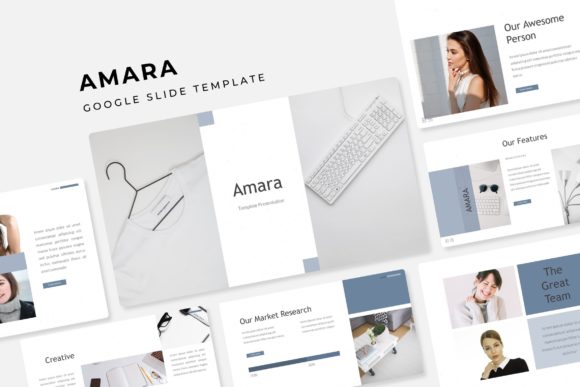
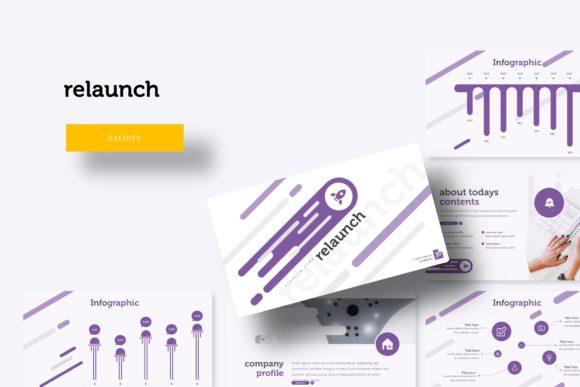
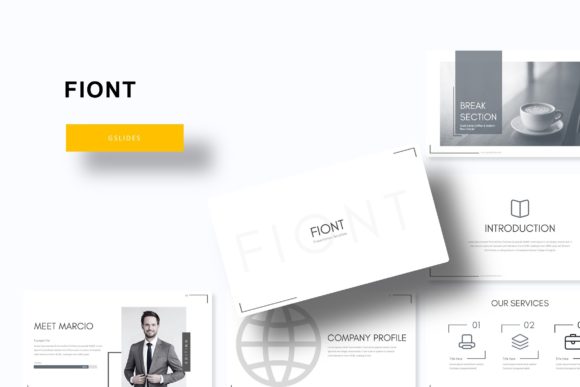
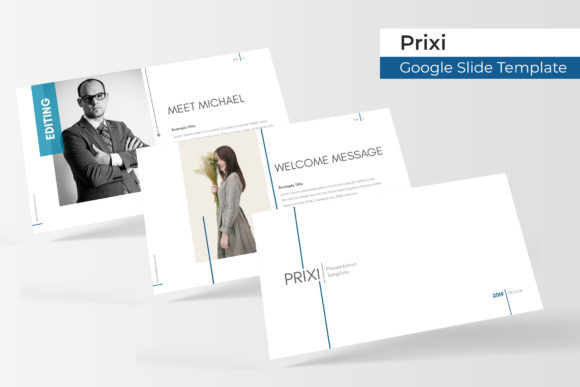
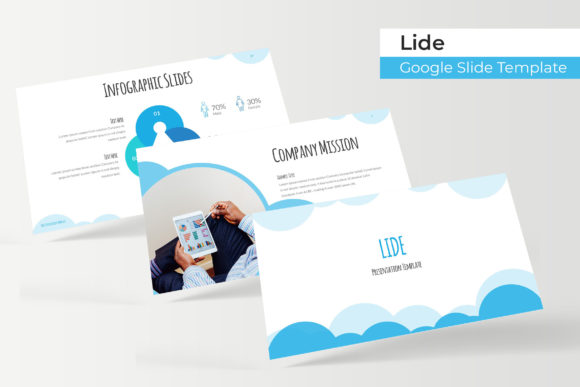
From the first glance, Lide projects a clean, modern professionalism that leans slightly editorial. The layouts use generous white space, structured grids, and subtle section breaks that guide the eye naturally. The handcrafted infographics avoid the generic look of auto-generated charts. Each graphic feels intentionally drawn, with custom icons and data visualizations that communicate information without overwhelming the viewer. The pixel-perfect illustrations maintain crisp edges at any scale, which matters whether you present on a conference room monitor or export slides for social media snippets.
The color palette deserves attention. With five premade color variations per template set, you are not locked into a single mood. One variation might lean cool and corporate with muted blues and grays, while another brings warmth through earthy tones. This flexibility lets you match the template to your brand identity without editing hex codes on every slide. The master slides architecture ensures that when you adjust a headline style or bullet point spacing, the change propagates across all related slides, preserving consistency effortlessly.
Where Lide Works Best
This template suits itself particularly well to brand identity presentations, where consistent color and structure reinforce company values. A startup pitching to investors can build a coherent narrative that moves from problem statement to solution without jarring visual shifts. The included gallery and portfolio slides make it natural to showcase product shots, team photos, or client logos in a restrained, gallery-like layout. For creative agencies, the section break slides offer moments to pause and reset the audience’s attention between project case studies.
Educational and editorial design contexts also benefit. The typography hierarchy established by the master slides gives you clear H1, H2, and body text levels out of the box. You can drop in long-form content, summarize research, or present data-heavy slides without fighting the layout. Even social media graphics can be extracted from individual slides. Because every element remains editable and resizable, you can repurpose a portfolio slide into an Instagram carousel or a LinkedIn cover image without starting over.
Typography That Does the Heavy Lifting
Font choice can make or break a presentation, and Lide includes a free font download link in the readme file so you can install the exact typeface used in the mockups. That modern typography strikes a balance between readability at distance and personality up close. It is not a script font or a handwritten font that sacrifices legibility for flair. Instead, it sits closer to a sans serif font family with clean geometric forms, giving the slides a contemporary, approachable tone that still feels trustworthy for business contexts.
The font handles visual hierarchy naturally. Headlines use a heavier weight that contrasts well with lighter body copy, drawing the eye before the supporting details. This hierarchy is crucial in a presentation environment where viewers scan slides quickly. When you substitute the included typeface for a serif font or a display font that matches your brand, the slide layouts adjust gracefully because the master slides prioritize spacing over fixed font sizes. You can test font pairings without breaking alignment, which saves time during branding reviews.
Readability and Audience Engagement
Readability goes beyond font choice. The slide layout itself reinforces how people consume information. Data points appear on slides that isolate them from background imagery. Photo placeholders with drag drop functionality let you insert real images without distorting aspect ratios. The premade colors maintain sufficient contrast between text and backgrounds, so readability does not suffer when you project on a dimly lit screen. These details matter because every second a viewer spends deciphering your slide is a second they are not absorbing your message.
Brand perception also gets a lift from consistency. When you use the same typeface, color accents, and iconography across 30 slides, your audience begins to associate that visual language with reliability. A pitch deck that looks cobbled together from random templates immediately signals disorganization, regardless of how strong the business idea is. Lide’s systematic approach helps your content communicate preparedness before you even speak a word.
Practical Guidance for Choosing and Using Lide
Before committing to any premium font or template, evaluate your project fit. Lide works best when you have content that benefits from visual structure: process flows, team introductions, product timelines, or before-and-after results. If your presentation is mostly freeform brainstorming or heavily text-based documents, a more minimal template might serve you better. But for narrative-driven decks that move from problem to solution, the section break slides and infographic elements will amplify your storytelling.
Testing font pairings is straightforward with this set. Because the master slides store typeface assignments globally, you can swap the headline font for a display font and the body for a clean sans serif font in a few clicks. Keep an eye on contrast. If you choose a script font for headlines, reserve it for short titles only, as lengthy headings in script become difficult to scan quickly. The included commercial font license covers most business and personal projects, but double-check the readme for any restrictions if you plan to distribute the presentation for profit.
Reviewing Included Styles and Licensing
The package delivers five PPTX files, each in widescreen format with five premade colors. That is 30 slides per template variation, giving you 150 distinct layouts to pull from. You can mix and match slides from different color files if you want a custom palette, as the master slides remain consistent across versions. The readme file includes the free font download link along with basic installation instructions. The pixel-perfect illustrations and handcrafted infographic elements are vector-based, so scaling them never degrades quality.
Commercial licensing for the template itself covers most standard uses: internal company decks, client presentations, freelance portfolios, and educational materials. The photographs in the preview are excluded, so you need to supply your own images. The picture placeholders with drag drop functionality make substitution fast. Just drag your image onto the placeholder and it snaps into the correct crop and position. This feature alone reduces production time significantly when you work with multiple images per deck.
Design Observations and Recommendations
One strength that stands out is how the template handles density. You could pack information-heavy slides with bullet points and still maintain breathing room because of the predetermined margins and column spacing. For portfolio work, the gallery and portfolio slide layouts give each image its own frame without feeling cluttered. I often recommend clients use the gallery slides for before-and-after comparisons or team member introductions, as the consistent framing creates a unified look even when individual photos vary widely in style.
If you typically export presentations to PDF for distribution, the master slides ensure that break lines, accent bars, and caption frames remain aligned across pages. No last-minute shifting or cropping surprises. The resizable and editable graphic elements let you adjust icon sizes or chart dimensions without distorting adjacent content. This is especially helpful when you translate a presentation from English to another language where text length differs.
For freelancers and small business owners who create multiple presentations each month, investing time in setting up the master slides once pays dividends. Adjust your brand colors, upload your logo to the placeholder, and swap the included font for your preferred creative font. Every slide you build thereafter stays consistent. Your brand identity becomes stronger not because you use the same logo repeatedly, but because every presentation shares the same structural DNA.
The Lide Google Slide Template ultimately functions as a design asset that reduces the gap between your ideas and a polished presentation. You still need to write good copy and choose compelling images. But the template removes the friction of building layouts from scratch, aligning colors manually, and wondering if your modern typography choices will hold up under projection. That leaves you more mental bandwidth to focus on the story you want to tell.