Cabrion Power Point Template
When you need to build a polished presentation quickly, the template you choose can determine whether your message lands or gets lost. The Cabrion Power Point Template is a substantial, professionally crafted set of slides that offers both breadth and structure. With 150 total slides and five distinct color variations containing 30 slides each, this template aims to serve a wide range of presentation needs without sacrificing design consistency. This article takes a practical look at what Cabrion offers, how it holds up in real use, and who is most likely to benefit from it.
What Cabrion Delivers Out of the Box
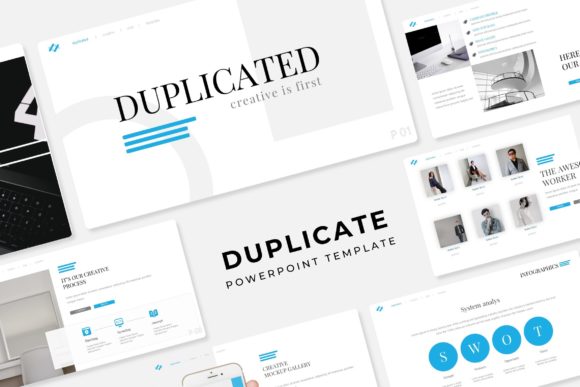
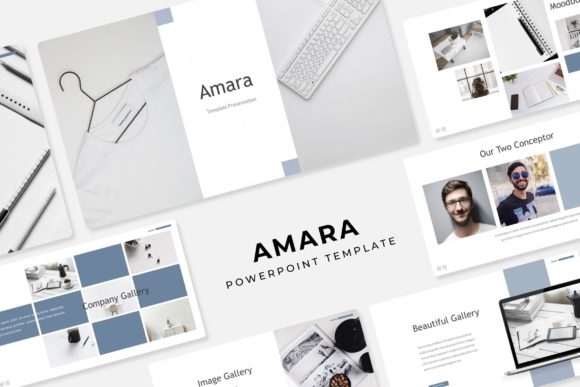
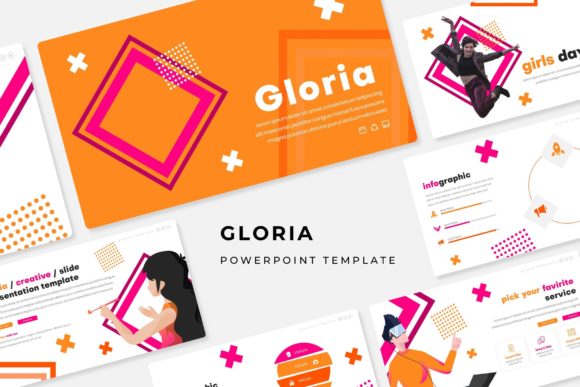
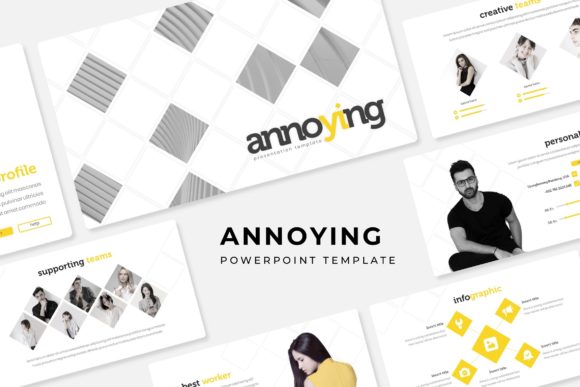
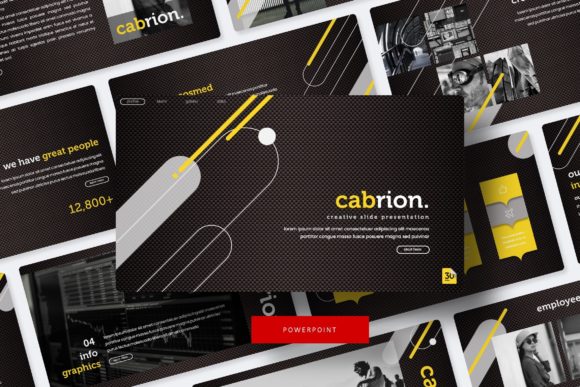
Cabrion is not a single file but a collection of five separate PowerPoint templates (PPTX format), each built around a different premade color scheme. Each of those templates contains 30 slides, giving you 150 unique layouts to work with. The variety extends beyond color: you get handcrafted infographics, section break slides, dedicated gallery and portfolio pages, and pixel-perfect illustrations that are fully resizable and editable. All graphics are based on master slides, meaning you can drag and drop your own content into picture placeholders without disrupting the underlying design.
The package includes five PPTX files in widescreen format, a Readme First document, and a link to download the free fonts used in the template. It is worth noting that the photographs shown in the preview images are for illustration only and are not part of the download. This is standard practice, but it is something to remember when budgeting for your own imagery.
Volume and Variation Without Redundancy
Having 150 slides sounds impressive, but the real question is whether they feel like genuinely different options or just repeated layouts with swapped colors. In Cabrion, the five color variations each contain their own 30-slide deck, and the layouts themselves are diverse enough to cover most presentation needs. You get title slides, content layouts, comparison slides, timeline options, data visualization pages, and the aforementioned infographic and portfolio slides. The section break slides are particularly useful for longer presentations where you need to signal a shift in topic without losing momentum.
For a marketer building a client pitch deck or an educator preparing a multi-part lecture, this volume means you can assemble an entire presentation without ever feeling like you are repeating the same slide format. The fact that each color variation is a standalone file also means you can choose the palette that fits your brand or topic and work entirely within that deck, rather than cherry-picking slides from multiple files and worrying about consistency.
Editable Graphics and Master Slide Efficiency
One of the strongest arguments for Cabrion is how much control you retain over every visual element. The graphics are pixel-perfect and fully resizable, and they are built on master slides. This is a significant time-saver: when you edit a master slide, those changes propagate across every slide that uses that layout. If you need to adjust a color, reposition a logo, or update a recurring element, you do it once and it updates everywhere.
The picture placeholders are set up for simple drag-and-drop replacement. You do not need to crop or resize images beforehand, which speeds up workflow considerably. For busy professionals and freelancers who produce presentations regularly, this kind of efficiency reduces friction and lets you focus on content rather than formatting.
Handcrafted Infographics and Data Visualization
Infographics have become a staple of effective presentations because they help audiences grasp complex information quickly. Cabrion includes handcrafted infographic slides that go beyond basic charts. You get timeline visuals, process flows, comparison matrices, and icon-based layouts. These are not auto-generated charts from PowerPoint's built-in tools; they are designed elements that you can customize with your own data and labels.
For a small business owner presenting quarterly results or an entrepreneur pitching to investors, these infographic slides can make financial or operational data feel more accessible. The key is that they are already designed to be visually clean and professional, so you do not have to start from scratch.
Real-World Usability and Workflow Fit
In practice, the Cabrion template works best for users who have at least a basic familiarity with PowerPoint's master slide and placeholder system. If you have ever resized an image inside a placeholder or edited a theme color, you will feel at home. For absolute beginners, the included Readme First document provides guidance, and the font download link ensures you have the right typefaces installed from the start.
One practical consideration is the file size. Because the templates contain high-resolution graphics and multiple slide layouts, the files are larger than a bare-bones deck. This is not an issue for modern computers, but it is something to keep in mind if you are working on an older machine or plan to share the file via email without compressing it. You may need to zip the file or use a cloud link for distribution.
Another observation: while the five color variations offer real choice, they are fixed palettes. You cannot instantly merge slides from different color decks without manually adjusting colors to match. That said, because each deck is self-contained, you are unlikely to need to combine them. Most users will pick one color variation and build their entire presentation within that file, which is exactly how the system is designed to work.
Who Benefits Most from Cabrion
Based on the template's structure and features, several audience segments are particularly well served.
Professionals and Entrepreneurs
If you present to clients, stakeholders, or potential partners on a regular basis, Cabrion gives you a consistent, polished look without requiring design skills. The portfolio and gallery slides are especially useful for showing case studies, project examples, or product photos. The section break slides help structure longer strategic presentations so your audience can follow your narrative more easily.
Marketers and Creatives
For marketers who need to produce campaign recaps, strategy decks, or creative pitches, the handcrafted infographics and flexible layout options allow you to present data and concepts with visual impact. The editable graphics mean you can adapt the template to match brand guidelines by changing colors on the master slides.
Educators and Trainers
Teachers, trainers, and workshop facilitators will appreciate the volume of slides. You can build a full course module or training session entirely within one Cabrion deck. The variety of slide types—from text-heavy content layouts to visual infographics—means you can alternate between explaining concepts and showing examples, keeping learner engagement higher.
Freelancers and Small Business Owners
Freelancers and small business owners often wear many hats and may not have dedicated design support. Cabrion serves as a ready-made solution that raises the visual quality of your presentations without requiring you to learn design software. Once you set up your preferred color variation with your logo and fonts, you have a reusable system for proposals, reports, and updates.
Possible Limitations to Consider
No template is a perfect fit for every scenario, and Cabrion has a few constraints worth mentioning. The premade color variations, while attractive and well-chosen, are fixed. If your brand uses a very specific color that does not appear in any of the five palettes, you will need to manually adjust the theme colors. This is doable, but it takes more time than if the template offered a fully customizable color scheme from the start.
Additionally, the preview images use professional photographs that are not included. If you do not have your own high-quality images, you will need to source them separately. This is standard for presentation templates, but it is a cost and time factor to plan for.
The template is built for PowerPoint, so users of other presentation software like Google Slides or Keynote may need to convert files, and some features like master slide editing may not transfer perfectly. If you work exclusively in PowerPoint, this is not an issue, but it is worth noting for teams using mixed software environments.
Long-Term Value and Durability
One measure of a template's value is whether you can reuse it for multiple projects. Cabrion scores well here. Because you get five separate color variations, you can rotate between them for different clients, topics, or seasons. The master slide structure means you can update the entire deck's look with a few edits, extending its useful life.
The included font download link is a practical touch that prevents rendering issues when you move files between computers. And because the graphics are pixel-perfect and resizable, they hold up well across different screen sizes and projector resolutions.
For someone who produces presentations regularly, the upfront investment in learning the template's structure pays off quickly. After building one or two decks in Cabrion, you will be able to assemble a new presentation in a fraction of the time it would take to design from scratch or to wrangle a less thoughtfully constructed template.
Final Observations
The Cabrion Power Point Template occupies a practical middle ground: it offers professional design and substantial variety without locking you into a rigid format. The five color variations give genuine choice, and the 30 slides per deck are enough to build a complete presentation. The handcrafted infographics, section break slides, and portfolio pages add real utility, especially for users who need to present data or showcase work visually.
If you are a professional, marketer, educator, or small business owner who needs reliable, good-looking slides without starting from zero, Cabrion is a solid option. Just remember to source your own photographs and be prepared to invest a little time learning the master slide system if you are new to it. For anyone who values consistency, efficiency, and design flexibility, this template delivers on its promise.