Deont Power Point Template: 150 Slides, 5 Color Variations, and Real-World Presentation Solutions
If you have ever spent an entire evening trying to make a PowerPoint presentation look professional, you already know the pain. You add a slide, pick a font, realize it does not match the last one, and before you know it, you are deep in formatting hell. The Deont Power Point Template is the kind of resource that quietly eliminates that problem. It gives you 150 total slides spread across five distinct color variations, each with 30 slides of its own. That means you are not buying one look. You are buying five complete design systems, and you can pick the one that fits the moment.
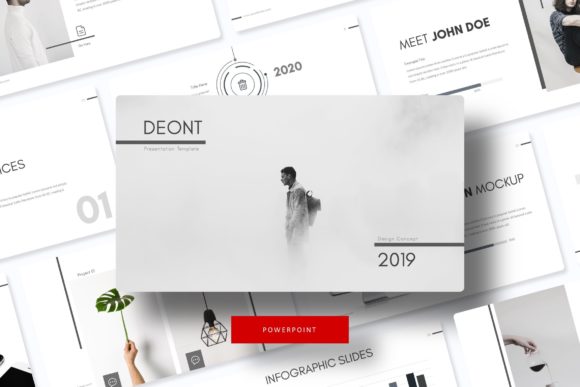
What makes this template different from the generic slide decks you find scattered across free download sites is the combination of quantity and craftsmanship. Every slide is built on master slides, which means you can change one element and have it ripple across the entire deck without breaking anything. The graphics are pixel-perfect, the infographics are handcrafted, and the picture placeholders work with simple drag-and-drop. You do not need to be a designer to produce a polished presentation. You just need to drop your content into a structure that already works.
Where the Deont Power Point Template Fits Into Real Workflows
The people who get the most value out of this template are not necessarily professional designers. They are entrepreneurs who need to pitch an idea, educators who want to hold attention in a classroom, marketers who present campaign results to a team, and freelancers who send polished proposals to clients. The 150-slide count matters because real presentations rarely fit into a neat ten-slide structure. Sometimes you need multiple versions for different audiences, or you need to swap out a section break slide on the fly. With Deont, you have room to adapt without starting over.
Pitch Decks and Investor Meetings
Imagine you are a small business owner preparing to meet a potential investor. You have your numbers, your story, and your product, but the first impression comes from the screen. A pitch deck that looks disjointed or visually flat can make even a strong idea feel weak. With the Deont Power Point Template, you can open one of the five color variations, choose the palette that matches your brand, and fill in the slides with your content. The section break slides help your audience follow the narrative arc, while the gallery and portfolio slides let you showcase your product or service in a clean, visual way. The handcrafted infographics come in handy when you need to present financial projections or market data without relying on boring charts.
You do not have to guess where to place your images. The picture placeholders are marked, so you drag your photo into the frame and it fits. That alone saves ten to fifteen minutes per slide compared to resizing and cropping manually.
Classroom Lessons and Training Workshops
Educators and trainers often work with limited time and limited design skills. You might be a university lecturer who needs to prepare a module on business strategy, or a corporate trainer running a workshop on communication skills. The Deont Power Point Template gives you structure without rigidity. The 30 slides per color variation mean you can build a full lesson deck and still have room for handouts, activity instructions, and summary slides. The resizable and editable graphics let you modify diagrams to match your specific examples. You are not stuck with the original layout. If you want to move an element, you can. If you want to change the color of a shape, that is also possible.
One practical thing I have noticed is that educators often need to reuse the same deck across different semesters or teams. With five color variations, you can assign a different color to each cohort or topic area, which helps both you and your students stay organized. The master slide setup means you can update the header or footer once and it applies everywhere.
Why Marketers and Creators Rely on This Template
Marketers live inside presentations. Whether you are presenting quarterly results, proposing a campaign to a client, or building a media kit for a brand partnership, your slides need to look organized and credible. The Deont Power Point Template includes gallery and portfolio slides that work especially well for showing case studies, before-and-after examples, or client logos. You do not have to build a layout from scratch every time. You just duplicate a slide and swap the content.
Bloggers and publishers also find this template useful for different reasons. If you create digital products like online courses or lead magnets, the section break slides function as natural dividers for modules or chapters. The handcrafted infographics give you a way to present statistics or step-by-step processes without needing a graphic designer. You can export your slides as images or PDFs and use them on your blog, in your email newsletters, or as social media content. The pixel-perfect illustrations scale cleanly, so even if you zoom in or export at high resolution, everything stays crisp.
Client Proposals and Portfolio Reviews for Freelancers
Freelancers—designers, writers, consultants, photographers—need to present their work in a way that signals professionalism. A plain slide deck can make a talented freelancer look amateurish. The Deont Power Point Template changes that equation. You can build a portfolio deck using the gallery slides, add case studies using the infographic layouts, and close with a contact slide that includes your details. Because the template comes with five premade colors, you can match the deck to your personal branding without touching the CSS or design tools.
One scenario that happens often is a freelancer who needs to send a proposal quickly. A potential client asks for a breakdown of services, timelines, and pricing. Instead of writing a text document, you can open the Deont template, fill in the slides, and export a PDF that looks like a professionally designed pitch. The drag-and-drop image placeholders let you add your logo and sample images in seconds. That speed matters when you are juggling multiple clients.
Practical Considerations Before You Download
Before you start using the Deont Power Point Template, there are a few things to keep in mind. First, the template includes five PPTX files in widescreen format, plus a Readme First document that explains how to install the fonts. The fonts used in the preview are free, and the download link is included. You need to install those fonts on your system before opening the file, or the layout may shift. That is a small step, but it saves frustration later.
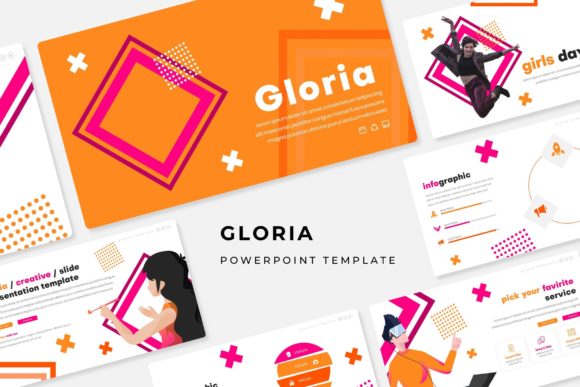
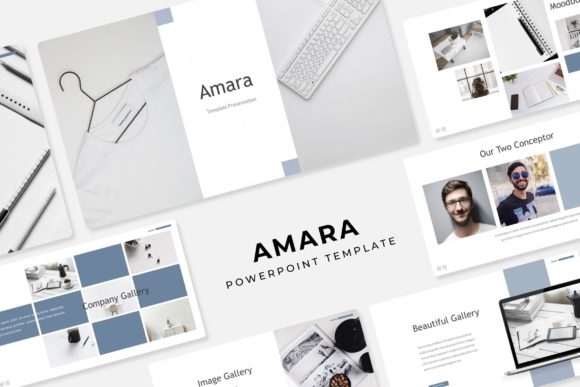
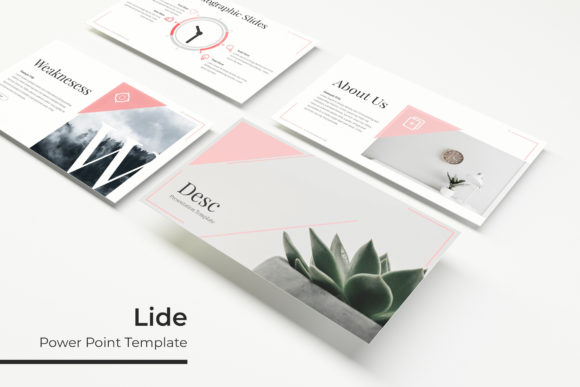
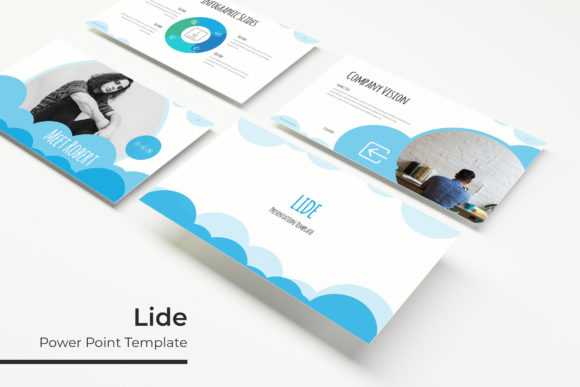
Second, the preview images you see in the product showcase are not included in the download. Those photographs are there for illustration only. The template itself includes the slide layouts, the pixel-perfect graphics, the handcrafted infographics, and the editable elements, but you will need to supply your own photos. That is standard for professional templates, but it is worth noting so you do not expect stock images to come with the package.
Third, think about which color variation fits your most common use case before you start editing. You have five options, and each one has 30 slides. If you start building a deck in one color and later realize another one works better, you can switch, but it is easier to choose early. The colors are premade, so they are balanced and tested. You do not have to worry about clashing hues or bad contrast.
Making the Most of the 150 Slides
The number 150 can feel overwhelming until you realize how quickly presentations consume slides. A standard business deck runs between 15 and 25 slides. A training module might use 40 slides. A portfolio presentation can hit 30 slides easily. With the Deont Power Point Template, you have five complete sets of 30 slides, which means you can create multiple decks for different purposes without reusing the same layouts. That is useful if you present to different audiences and want to maintain variety.
The section break slides are one of the most underrated features. In any long presentation, your audience needs visual cues that signal a topic shift. A section break slide with a clean design and a simple title tells people, "We are moving to the next part." It gives them a mental reset. The Deont template includes these slides in every color variation, so you do not have to design them separately.
The resizable and editable graphics are another feature that saves time. If you need to shrink an infographic to fit in a smaller space, you can do that without losing quality. If you want to change the color of an icon to match your brand, you can do that too. The illustrations are pixel-perfect, so they do not distort when you resize them. That flexibility is what separates a good template from a frustrating one.
Who Benefits Most from the Deont Power Point Template
Looking at the full picture, the Deont Power Point Template works best for people who need to produce professional presentations regularly but do not have a design team behind them. That includes small business owners who handle their own marketing, educators who prepare course materials, freelancers who pitch for projects, and marketers who report on campaigns. It also suits hobbyists who run workshops or community events and want their slides to look intentional rather than thrown together.
The five color variations are not just cosmetic. They give you the ability to match your presentation to a specific brand, event, or mood. If you are presenting at a conference, you can choose a more neutral professional color. If you are pitching a creative project, you can pick a bolder palette. The choice is yours, and the structure remains solid underneath.
At its core, this template is about reducing friction. You spend less time adjusting margins and aligning shapes, and more time thinking about what you actually want to say. The slides come out looking clean, consistent, and credible. That is the outcome that matters, not how many slides are in the file, but what those slides allow you to do with your time and your message.